

Table of Contents
- What to Look for in Online Invitation Sites for Weddings
- Pricing Breakdown: What You'll Actually Pay in 2026
- Custom Wedding Invitations Online: Personalization That Stands Out
- Cheap Wedding Invitations: Affordable Options That Still Look Great
- Wedding Invitation Wording Examples to Steal for Your Suite
- When to Order Wedding Invitations: A Stress-Free Timeline
- Privacy, Accessibility, and Guest Follow-Up: What Most Sites Miss
- Frequently Asked Questions
Last Updated: October 6, 2026
What to Look for in Online Invitation Sites for Weddings
Choosing the best online invitation sites for weddings in 2026 comes down to four things: transparent per-card pricing, real customization, guest-list privacy, and reliable RSVP tracking.
That shift matters. Most couples no longer need 200 identical invitations printed weeks in advance.
Below, we break down what actually separates one platform from another, so you can pick a site that fits your wedding instead of fighting its limitations.
Selection Criteria: How We Evaluated These Platforms
We scored every option against five practical criteria, not marketing claims.
- Pricing model: Is it priced per card, per guest, or by subscription? Per-card pricing is the most predictable for weddings.
- Customization depth: Can you change colors, wording, fonts, and layout, or are you locked into a template?
- RSVP handling: Does the site collect guest responses, or do you manage that separately?
Pricing Breakdown: What You'll Actually Pay in 2026
Pricing is where most "best online invitation sites" articles get vague, so this section is built around total cost, not headline rates.
| Pricing model | How it works | Typical range | Where it bites |
|---|---|---|---|
| Free with paid upgrades | Unlimited digital invites, pay only to remove branding or unlock premium designs | $0 to about $15 one-time | Watermarks, limited templates, ads on the guest page |
| Per-invitation digital | Charged per guest or per send, often in credit packs | Roughly $0.50 to $3 per invitation | Cost scales with guest count; re-sends may bill again |
| Flat digital file | One personalized high-resolution file you send yourself | About $1.95 to $15 per design | No built-in RSVP tracking; you handle delivery |
| Printed per card | Pay per printed card plus envelope, no bulk minimum | About $1.50 to $5 per card before postage | Postage and rush shipping often exceed the card cost |
The Invite Lady sits in the flat-file and printed-per-card columns: a digital file is a flat $1.95 regardless of how many guests receive it.
Here is the same 100-guest wedding priced four ways, using the ranges above:
- Free tier: $0 for digital sends; budget $10 to $15 if you remove branding or buy one premium template.
- Per-invitation digital: roughly $50 to $300, depending on the platform's credit tiers and whether reminders bill again.
- Flat digital file: $1.95 total, plus your own email or text delivery.
Postage is the line item most couples underestimate. The U.S. Postal Service's current stamp prices change periodically, and a 100-piece mailing at the current First-Class Mail rate adds a meaningful amount on top of the cards.
Add-ons are the second hidden line. Watch for these before you check out:
- Envelope printing and return addressing: often $0.50 to $1.50 per envelope.
- Rush production or expedited shipping: frequently $20 to $75.
- Extra proof rounds or wording changes after approval: sometimes free, sometimes billed per revision.
- RSVP or website hosting: free on most platforms, but premium themes and custom domains can carry a monthly fee.
Custom Wedding Invitations Online: Personalization That Stands Out
Custom wedding invitations online work best when you can change the details that actually matter: names, date, venue, colors, and wording.
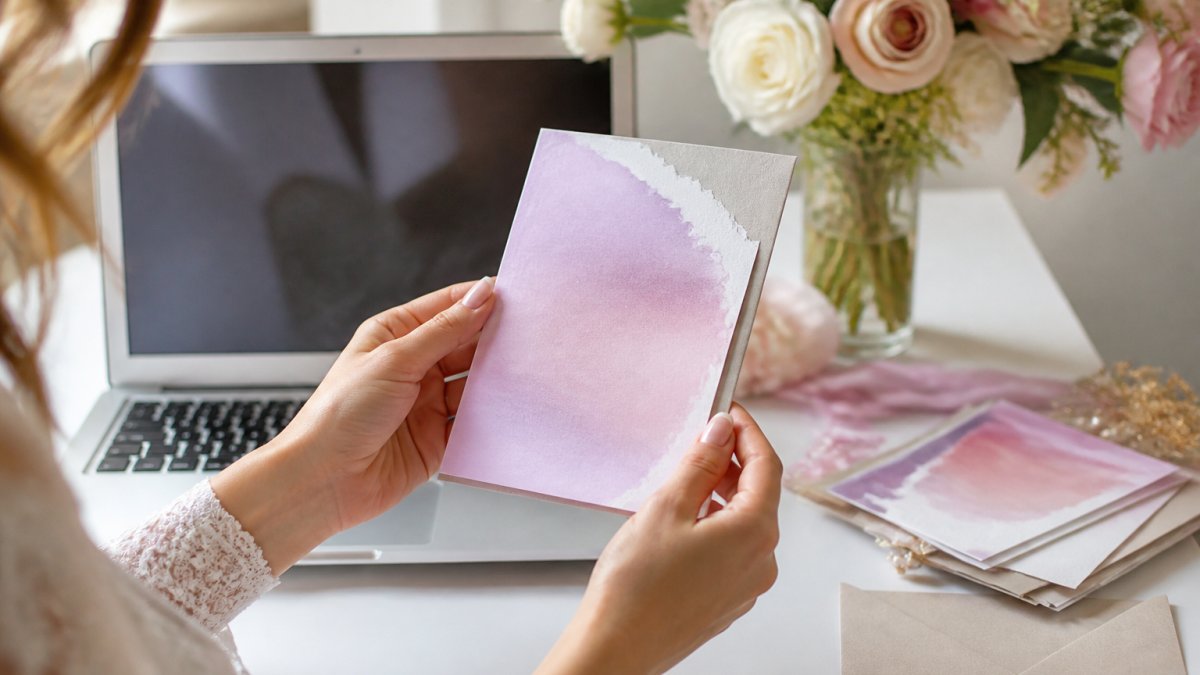
A few Save the Date options show how far the personalization goes:
- Watercolor Ombre Sage Green Save the Date Cards: A soft watercolor wash in calming sage tones, printed on premium matte cardstock with matching envelopes included.
- Watercolor Ombre Dusty Blue Save the Date Cards: The same gentle watercolor texture in dusty blue, ideal for destination weddings and formal celebrations.
- Painted Beach Save the Date Card: A sandy beach design for coastal and destination weddings.
What most guides miss is that personalization is not just about picking a pretty template. It is about whether the platform lets you adjust wording without starting over.

Cheap Wedding Invitations: Affordable Options That Still Look Great
Cheap wedding invitations do not have to look cheap. The trick is separating cost per card from total cost, and choosing a format that matches how you actually plan to reach guests.
Three ways to keep the budget down without settling:
- Order per card. You pay for exactly what you send, with no bulk minimum inflating the total.
- Mix formats. Send printed cards to guests who will display them, and a digital file to everyone else.
- Skip the extras you will not miss. A clean design on quality cardstock often reads more elegant than a busy one with add-ons.
Wedding Invitation Wording Examples to Steal for Your Suite
Wedding invitation wording examples give you a starting point, but the right phrasing depends on who is hosting and how formal the event is.
Modern, hosted by the couple:
Together with their families, [Bride's Name] and [Groom's Name] invite you to celebrate their marriage. [Day], [Month] [Date], [Year] at [Time] [Venue Name].
Casual or destination:
[Bride's Name] and [Groom's Name] are getting married. Join us [Date] at [Time] at [Venue]. Dress is [attire]. RSVP by [Date].
For a full invitation suite, add a Save the Date card first. The Invite Lady's Save the Date cards start at $1.95 and include white envelopes with printed orders.

When to Order Wedding Invitations: A Stress-Free Timeline
Order wedding invitations six to eight months before the wedding date. Save the Date cards should go out earlier, ideally as soon as you have locked the date and venue.

| Timing | Task | Why It Matters |
|---|---|---|
| 9-12 months out | Send Save the Date cards | Gives guests time to plan travel |
| 6-8 months out | Order invitations | Allows time for proofing and printing |
| 6-8 weeks out | Mail invitations | Standard RSVP window |
| 4 weeks out | Follow up on missing RSVPs | Fills gaps before final headcount |
If your event is four weeks away, a digital file is the faster path. The Invite Lady emails a high-resolution JPG and PDF personalized with your event details, and wording changes can be made during the proofing process.
Privacy, Accessibility, and Guest Follow-Up: What Most Sites Miss
This is the section almost no ranking article covers well, and it is where invitation platforms quietly differ.
Guest-list privacy and data ownership. On a hosted platform, your guest names, email addresses, phone numbers, and RSVP answers live on someone else's servers. Before you upload a list, ask four questions:
- Who owns the guest data? The answer should be you, with a clear export path.
- Is the guest list visible to other guests? A shared page that lists invitees is a privacy problem; a private RSVP link per household is not.
- What happens to the data after the wedding? Look for a deletion option and a stated retention window.
- Is the site encrypted? Check for HTTPS on the RSVP page and a published privacy policy that names what is collected and why.
A printed or flat-file invitation sidesteps most of this, because there is no shared guest page and no third-party database holding your list.
Accessibility for every guest. Digital invitations should open cleanly on a phone, use readable type sizes, and not require an app download. A high-resolution PDF works for nearly every guest, including older relatives who are not comfortable with new apps. If you build a wedding website or RSVP form, aim for these basics:
- Text that scales without breaking the layout.
- Color contrast strong enough to read in bright light.
- Alt text on any image that carries information.
- A plain-text RSVP fallback, a phone number or email, for guests who cannot use the form.
guidance from the American Institute of Graphic Arts on accessible design is a useful reference if you want your digital invitation to work for every guest.
- Email: send from a recognizable address, keep the subject line plain, and ask guests to reply or click rather than forward. Bulk sends from a personal account can land in spam; a platform that sends on your behalf usually has better inbox placement.
- Text: useful for reminders, less so for the invitation itself, since some guests will not open a link from an unknown number.
- Bounces: check for undeliverable addresses within 48 hours of sending and re-send by text or mail.
- Reminders: a common pattern is a save-the-date, the invitation, a reminder two weeks before the RSVP deadline, and a final nudge one week out.
Track responses in a simple spreadsheet from the day invitations go out.
Frequently Asked Questions
How far in advance should you order your wedding invitations?
Order your wedding invitations 3 to 4 months before the wedding date. This gives you time for proofing, printing, and mailing. If you are using custom wedding invitations online, add an extra 2 weeks for design revisions. Save the Date cards should go out 6 to 8 months ahead, especially for destination weddings. For a stress-free timeline, order invitations at the 4-month mark and mail them 6 to 8 weeks before the big day.
What is the cheapest place to order wedding invitations?
The cheapest options are often digital-only invitations or simple printed cards from small stationery shops. The Invite Lady offers Save the Date cards starting at $1.95 per card, with white envelopes included for printed orders. Digital files are also available for a flat rate, letting you print as many as you need. Compare that to big-box printers that charge extra for envelopes and personalization. For cheap wedding invitations, look for per-card pricing with no minimum order.
What is the average cost of 100 wedding invites?
Costs vary widely by site and design. At The Invite Lady, 100 Save the Date cards would cost $195.00 (100 x $1.95), including white envelopes for printed cards. Digital files are a one-time purchase, so you can print as many as you want. Many online invitation sites charge $2 to $5 per card for similar quality, plus extra for envelopes and shipping. Always check for hidden fees like proofing or rush charges before ordering.
Are online wedding invitations cheaper than printed invitations?
Digital-only invitations are usually cheaper upfront because you skip printing and shipping. But printed invitations from online sites can also be affordable, especially with per-card pricing. The Invite Lady charges $1.95 per printed Save the Date card, which includes envelopes. Digital files are a flat fee, so you can print at home or through a local printer. Consider your guest list and formality: printed invites feel more traditional, while digital saves money and time.
Can you order a single custom wedding invitation?
Yes. The Invite Lady allows you to order as few as one card. For digital files, you choose a quantity of one and receive a high-resolution JPG and PDF personalized with your event details. Printed orders also have no minimum, so you can order exactly the number you need. This is ideal for small weddings, elopements, or if you just want a keepsake. Just note that digital orders are for files only; no physical items are shipped.
Your guest list is set, your date is locked, and the only thing left is the stationery. The Invite Lady has been helping couples and families celebrate life's milestones since 2009, with personalized printed and digital invitations priced at $1.95 per card, matching envelopes included with printed orders, and the flexibility to order exactly the quantity you need. Get started with The Invite Lady and send invitations your guests will keep long after the wedding.